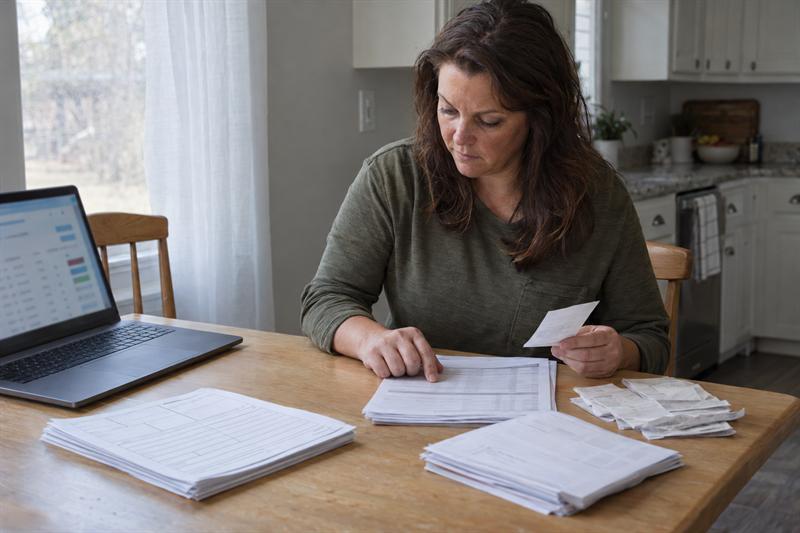
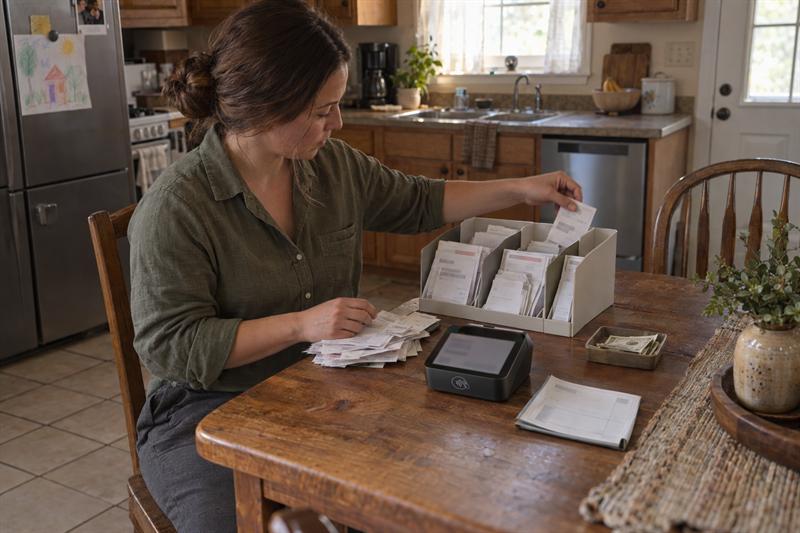
At Speedy Tax Preparation & Bookkeeping Service, this is a common issue for self-employed workers, side-income earners, and small businesses. Money comes in through card processors, apps, and cash, but those records do not line up on their own. That is where confusion starts, because the payment trail can look complete until tax time exposes the gaps.
When records are not organized correctly, totals are harder to verify, income is easier to miss or double count, and tax preparation takes more time. The goal is not just collecting statements. The goal is building one tax-ready record from every place the money moved.
Why payment processor and app income can be hard to track for taxes
Payment processor and app income get hard to track when the money arrives in pieces and each system shows a different version of the same activity. A processor may show one total, the bank shows another, and a payment app shows transfers that are not clearly labeled. If those records are treated as interchangeable, the numbers can stop making sense quickly.
A common mistake is treating the amount that hit the bank as the income total. That can leave out fees, bundled deposits, refunds, or payments that moved through a platform differently than expected. For broader preparation help with side-income records, see how to organize 1099 and side-income records before tax season.
Why tax forms may not show the full picture
Tax forms help, but they do not replace a recordkeeping system. A form may reflect activity from one platform while leaving out cash payments, reimbursements, or other income sources that still need to be tracked. It also does not always explain what was fee-related, refunded, reversed, or transferred.
Near filing season, many people bring in a form expecting it to answer every income question for the year. It usually does not. When the records behind the form were never organized, the form becomes one piece of the puzzle instead of the full answer.
The difference between processor payouts, deposits, and gross receipts
Gross receipts are the full sales amounts before fees or adjustments. Processor payouts are what the platform sends after subtracting items like fees or refunds. Bank deposits are what actually land in the account, and those deposits may combine multiple payouts or include transfers that are not income.
- Gross receipts: total customer payments before deductions
- Processor payouts: net amounts sent by the platform
- Bank deposits: money received in the account, which does not always equal total sales
This distinction matters because tax reporting is generally built from income activity, not just deposit activity. If those categories are mixed together, the records can drift further apart over time.
What records to keep for payment processor, app, and cash income
A stronger recordkeeping system uses more than one source. Processor statements, app history, invoices, and cash logs can work together to show what was earned and how it moved. If one piece is missing, the rest of the record often becomes harder to follow.
For a broader document list beyond income tracking, review what records you should keep for taxes. That checklist helps connect income records to the rest of the documentation needed for filing.
Processor and merchant account statements
Keep monthly processor statements and transaction-level reports. Those records often show gross sales, processing fees, refunds, and chargebacks in one place. They can provide context that a bank statement usually does not show on its own.
This is where many cleanup projects begin: deposits appear in the bank, but there are no clear processor reports showing what those deposits came from. Once that detail is missing, rebuilding the year becomes much harder.
Payment app history and transaction exports
Save app transaction history regularly instead of waiting until the end of the year. App records need context because they may include business payments, reimbursements, shared expenses, or transfers between personal and business accounts. If those categories are not separated, the totals can become inflated or inconsistent.
App payments can look simple at first because every transaction is visible. The problem is that visibility is not the same as classification. If it is not clear which transactions were actual income, the record is not ready for taxes.
Cash logs, receipts, invoices, and deposit records
Cash should be logged when it is received. A dated cash log, invoice record, duplicate receipt, or sales record creates support that is often missing later. Waiting until year-end can lead to estimates, and that is where records usually start to break down.
Deposit records can support the cash trail, but they do not replace it. If only some cash was deposited or several days were combined into one bank visit, the deposit does not explain the original income on its own.
A simple system for organizing mixed income sources
The most practical approach is one monthly system that captures every payment source in one place. A spreadsheet can work. Bookkeeping software can work. The format matters less than consistency.
The key is separating the type of activity instead of lumping everything together. That is what helps turn scattered transactions into a tax-ready record.
Track income by date, source, customer, and amount
Record each payment with the date, where it came from, who paid it when applicable, and the amount. That makes it easier to connect processor statements, app activity, invoices, and cash logs back to the same transaction trail. If a question comes up later, the answer is often in the detail captured at the start.
If records are missing these basics, mismatches usually follow. This gets worse when a business uses several payment methods but never brings them into one monthly list.
Separate gross sales, fees, refunds, and net payouts
Do not track only the amount that reached the bank. Separate the full sale from the fee, any refund, and the final payout amount. That step prevents many of the mismatches that show up later in tax prep.
For example, if a customer paid through a processor, the gross sale belongs in the income record even if the deposited amount was lower after fees. If a refund was issued, that also needs its own line or adjustment. When those details are skipped, the records stop showing the full story of the transaction.
Use monthly reconciliation instead of year-end reconstruction
Monthly reconciliation is often the difference between organized records and a stressful cleanup project. Reviewing the books each month helps catch missing statements, unexplained transfers, and inconsistent app activity while the details are still easier to verify.
For many side-income earners and small businesses, the issue is not always one bad month. Small inconsistencies build month after month until filing becomes harder than it should be. Ongoing review helps prevent that buildup and supports cleaner reporting later. For a closer look at that process, read how bookkeeping supports your small business tax return.
If your records are already showing these signs, cleanup is likely needed now:
- Processor totals do not match what reached the bank
- App transactions include transfers you cannot clearly classify
- Cash payments were not logged when they were received
- Refunds or fees were never tracked separately
When those patterns show up together, year-end filing often turns into reconstruction work instead of normal tax preparation.
Common mistakes that create tax record problems
The most common mistakes are not complicated. They come from using incomplete records as though they were final records. Once that happens, the problems can spread through every later step.
Relying only on bank deposits
Bank deposits do not show the full income picture. Deposits may already be reduced by fees, grouped into batches, or mixed with transfers that were never income. If deposits are used as the only source, the record usually ends up incomplete.
This is where problems often start for self-employed filers. The bank account feels like the cleanest source, but it only shows what arrived, not how the amount was built.
Counting transfers as income
Transfers between accounts are not the same as earned income. When app transfers or internal account movements are treated like sales, totals can become overstated. That usually leads to confusion during reconciliation and extra work during tax prep.
If repeated transfers have no clear note attached, the transaction history usually needs classification before it can be relied on as an income source.
Missing cash transactions and manual adjustments
Cash income is easy to miss when it was never logged at the time of payment. Manual adjustments also create problems when they are entered without a clear note or supporting document. Once those corrections lose context, the books become harder to explain.
This can get worse over time because later changes stack on top of earlier missing records. By the time tax filing begins, the issue is often no longer one missing payment. It is a record trail that no longer explains itself.
What to do if records do not match tax forms
Start by comparing the form to the underlying activity, not just to the bank account. The bank shows one part of the money trail, but the form and the processor records may be measuring something different. If the wrong numbers are compared, the mismatch can look bigger than it really is.
The next step is gathering the records that explain the difference. Many mismatches come from fees, timing differences, refunds, transfers, or incomplete tracking. When those items are identified, the numbers often become easier to reconcile.
How to review 1099-K amounts against internal records
Review the form against gross transaction activity first. Then compare that activity to processor statements, app history, and your own income log. If the totals still do not line up, look closely at whether refunds, reversals, fees, or personal transfers were mixed into the record set.
A common mistake is comparing a form total to bank deposits and assuming one of them must be wrong. In reality, they often reflect different stages of the same payment flow. That is why the comparison usually works better when it starts with gross activity.
When to gather backup documentation before filing
Gather backup documentation as soon as the numbers stop matching cleanly. That means saving statements, exports, invoices, receipts, and notes that explain unusual transactions or manual adjustments. If those records are not assembled before filing, the review usually takes longer and the return becomes harder to support.
For business owners with more than one income source or entity-specific filing needs, it can also help to review a small business tax return document checklist by entity type. That helps connect payment records to the rest of the filing documents.
When bookkeeping support can help
Bookkeeping support helps when the records no longer explain themselves. If the same mismatches keep showing up month after month, the issue is usually not one missing statement. The issue is that the income system was never built to handle multiple payment channels clearly.
At Speedy Tax Preparation & Bookkeeping Service, that is where ongoing support becomes practical. The goal is not just to fix one tax season. The goal is to create records that stay usable throughout the year.
Signs your records need cleanup before tax filing
If income is spread across apps, processors, handwritten notes, and bank deposits, cleanup is often needed before filing. The same is true if totals do not match, cash was not logged consistently, or fees and refunds were never separated.
If those patterns are showing up, the return usually cannot be prepared efficiently until the records are reconciled. Ignoring that step often leads to slower preparation, more questions, and a greater chance of incomplete reporting.
How ongoing bookkeeping supports a smoother tax return
Ongoing bookkeeping can create a cleaner year-end record by organizing transactions as they happen. It separates income from transfers, tracks fees and adjustments, and keeps the reporting trail intact. That often leads to a smoother tax return because the numbers have already been reviewed before filing season arrives.
This usually matters most for businesses and self-employed taxpayers who get paid in more than one way. Mixed income sources are manageable, but only when they are reconciled consistently.
Key Takeaways
- Processor payouts, app transfers, and bank deposits are not the same as gross income.
- Tax-ready records usually require more than one source, especially when payments come through apps and cash.
- Monthly reconciliation helps prevent small inconsistencies from turning into year-end filing problems.
- Many mismatches come from fees, refunds, timing differences, transfers, or missing cash logs.
- When records stop explaining themselves, bookkeeping cleanup is often the next step.
Conclusion
The real problem is not that payment processor, app, and cash income are impossible to track. The real problem is that each source shows only part of the picture, and relying on any one of them can lead to incomplete records. If that is not corrected, the result can be delayed filing, mismatched totals, and a return built on guesswork instead of clear documentation.
Speedy Tax Preparation & Bookkeeping Service is a practical next step when the records are scattered, the numbers are no longer lining up, or tax forms do not match the activity behind them. This type of issue usually gets harder when it is pushed to year-end. Getting the records organized now can make filing simpler, cleaner, and easier to support.
FAQ
Do processor payouts count as the same thing as income for taxes?
No. Processor payouts are often the net amount sent after fees, refunds, or other adjustments, while income tracking starts with the gross amount paid by the customer. If a processor kept a fee before sending the money, the payout and the sale are two different figures, and that difference needs to be reflected in the records.
What records should be kept for payment app income?
Keep the app transaction history, any available exports or reports, and the records that explain what each payment was for. That usually means invoices, receipts, customer notes, or another income log. The important distinction is that an app history shows movement of money, but it does not always show whether that movement was business income, reimbursement, or a personal transfer.
How should cash income be tracked for taxes?
Cash income should be logged when it is received using a dated record such as a sales log, receipt book, or invoice record. That creates a usable trail before details are forgotten. Bank deposits can support the record, but they do not replace logging the original payment because not all cash is deposited in the same way or at the same time.
What if my 1099-K does not match my own records?
Start by comparing it to gross transaction activity rather than net bank deposits. Fees, refunds, reversals, timing differences, and transfers often explain the mismatch. What usually gets misunderstood is that the form and the bank may be reflecting different stages of the same payment flow, so the comparison generally works better when it starts from the full transaction record.
Can bank statements be used by themselves to track business income for taxes?
Usually not. Bank statements help support the record, but they do not normally show gross sales, processor fees, refunds, or whether a deposit included non-income transfers. They are useful as part of the documentation, but not as the whole system.
When should a self-employed person get bookkeeping help for mixed income sources?
Bookkeeping help becomes important when records from processors, apps, cash logs, and bank deposits no longer tie together cleanly. That is especially true when the same questions keep coming up each month or tax preparation requires reconstructing transactions from memory. At that point, the issue is no longer simple tracking. It is a reconciliation problem that needs a consistent system behind it.